OutReply publishes one post to Facebook, Instagram, LinkedIn, TikTok, X and YouTube at the same time, or schedules it for later. Write the caption once, edit a network's version when it needs something different, check the preview, and pick a time. Everything you schedule lands on a shared content calendar.
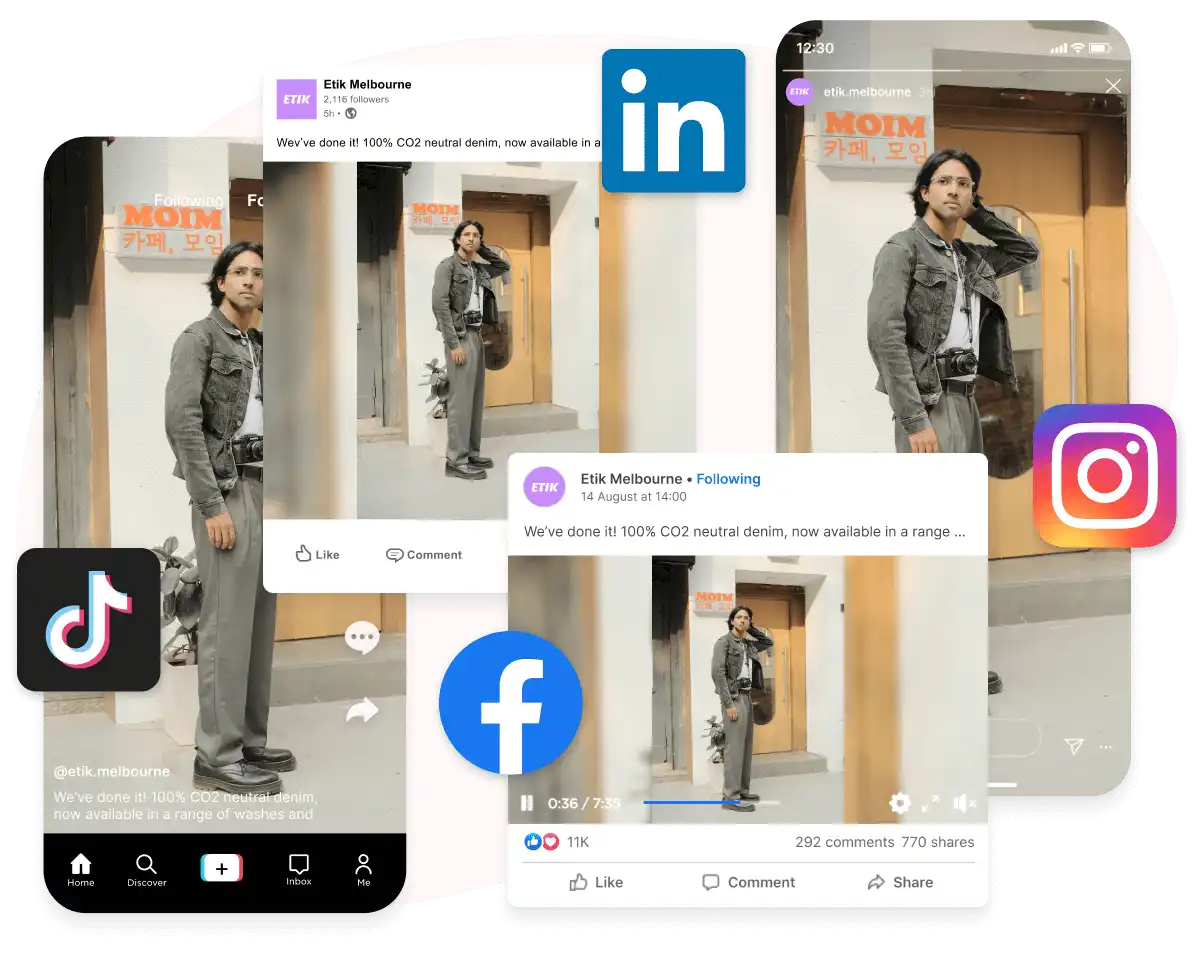
Select any mix of connected accounts and each one gets the post types its network supports. The composer shows the settings that network needs, so you don't have to open six apps to fill them in.
Text, photo and video posts on your Pages, plus Reels and Stories. Add an automatic first comment to any feed post.
Photo posts, carousels, Reels and Stories on professional accounts, with an optional first comment on feed posts.
Text posts, with or without images. Give LinkedIn its own longer, more detailed version while the other networks share one caption.
Videos posted directly, or sent to your TikTok inbox as a draft. Set privacy and allow or block comments, Duets and Stitches.
Posts of up to 280 characters with up to 4 images or one video. On OutReply's Free plan, X actions have a monthly cap; paid plans don't.
Videos and Shorts with public, unlisted or private visibility, a made-for-kids flag and a notify-subscribers switch.
Link Facebook Pages, Instagram, LinkedIn, TikTok, X and YouTube to a brand. Each brand keeps its own accounts, team and AI settings.
Type the caption and add media from your device, your gallery or the AI image and video generators. Turn on per-platform editing to give any network its own version.
The preview panel shows the post as it will appear on each selected account and flags problems, such as an X post over 280 characters or a photo sent to TikTok.
Pick a date and time at least 10 minutes ahead, or publish now. Scheduled posts appear on the content calendar, where you can drag them to a new slot.
Upload a single vertical clip and send it to TikTok, Instagram Reels, Facebook Reels and YouTube Shorts in one go, each with the caption and settings that network expects.
Announce a new product with a longer, detailed post on LinkedIn, a short punchy version on X and a photo carousel on Instagram, all scheduled for the same morning.
Batch-write the week's posts, schedule them across every account, then move a slot on the calendar when plans change, without rewriting anything.
Every plan can connect all supported networks, and pricing is flat rather than per seat. What changes between plans is how many brands, connected accounts and collaborators you can add.
| Plan | Price | Brands | Accounts per brand | Collaborators per brand |
|---|---|---|---|---|
| Free | Free | 1 | 2 | 2 |
| Advanced | $30/mo | 3 | 5 | 10 |
| Elite | $45/mo | 10 | 25 | 50 |
Facebook, Instagram, LinkedIn, TikTok, X and YouTube. You can post to any mix of connected accounts in one go, and each network gets the formats it supports, such as Reels and Stories on Instagram and Facebook or Shorts on YouTube. Stories can go out straight away or be scheduled like any other post.
Yes. Turn on "Customize content for each platform" in the composer and every selected account gets its own tab, so LinkedIn can get a longer version and X a shorter one while the rest of the post stays shared.
Scheduled posts must be at least 10 minutes in the future. To post straight away, choose Publish now instead. Scheduled posts stay on the content calendar, where you can edit or move them.
Yes. Free includes 1 brand with up to 2 connected accounts. Advanced ($30/mo) allows 3 brands with 5 accounts each, and Elite ($45/mo) allows 10 brands with 25 accounts each.
Yes. A collaborator without publishing access can write a post and submit it for review. A teammate with publishing rights then approves it, and it goes out immediately or at the time set on the post.
Connect your accounts on the Free plan and schedule your first multi-network post in a few minutes.