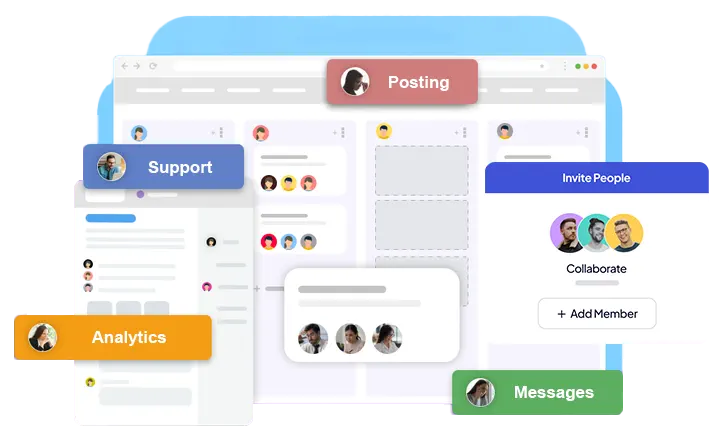




Invite teammates, clients and freelancers to a brand and decide what each person can touch: comments, DMs, publishing, analytics, workflows and more.
Drafts can go to a reviewer before they're published, and every plan is a flat price rather than a fee per seat.
A brand holds its own social accounts, AI rules, workflows and reports, so client work stays separate. To add someone, enter the email address of their OutReply account; they get a notification and the brand appears in their workspace. They only need a free account to join.
Advanced ($30/month) covers 3 brands with up to 10 collaborators each, and Elite ($45/month) covers 10 brands with up to 50 collaborators each.
Give each person exactly the parts of a brand they work on. Some common set-ups: a community manager with Messaging and Feed, a client with Approve Posts and Analytics, a freelancer with Publishing, which also switches on Feed.
Everything, including inviting people and brand settings.
Read and answer DMs, with AI suggestions.
See posts and reply to comments.
Create, schedule and publish posts.
Approve or reject drafts waiting in the approvals queue, without publishing rights.
Social reports; Google Analytics has its own switch.
Edit the brand's AI rules and settings.
Build and edit automations.
Separate switches for tasks, support forms, links, polls and Reddit listening.
A teammate writes or generates a post and saves it as a draft.
They pick one or more reviewers with publishing rights and note whether the post should go out right after approval or at a set time.
A reviewer approves it, or rejects it with a reason. The first decision settles the request.
The author is notified of the decision and the reason, and can cancel a request that is still pending.
Everyone with Feed or Messaging access works from the same social media inbox, with AI drafts that follow the brand's voice rules whoever is replying. Plan the work itself on the Kanban task board, and choose, per person, which activity notifications to receive, such as replies to comments or newly scheduled posts.
Comparing tools for a team? Unlike suites that charge per seat, OutReply's price doesn't change when you add a teammate; see how that works out in OutReply vs Sprout Social and OutReply vs Hootsuite.
Advanced allows up to 10 collaborators per brand across 3 brands, and Elite up to 50 per brand across 10 brands.
No. OutReply is priced per plan, not per seat. A collaborator only needs a free OutReply account; once you add their email, the brand appears in their workspace.
Yes. Give them the Approve Posts permission, plus Analytics if they should see reports, and leave Publishing and Messaging off. They approve or reject drafts waiting in the brand's approvals queue; named review requests and their notifications go to collaborators with Publishing.
Yes. Google Analytics data has its own permission, separate from social analytics.
Start on Free, then move to Advanced or Elite when you add brands and teammates.