Describe the post you need and OutReply drafts it using your brand's name and the writing rules you set once. Pick a length, ask for changes in plain words, then send the text to the composer, add an image and schedule it to every network.
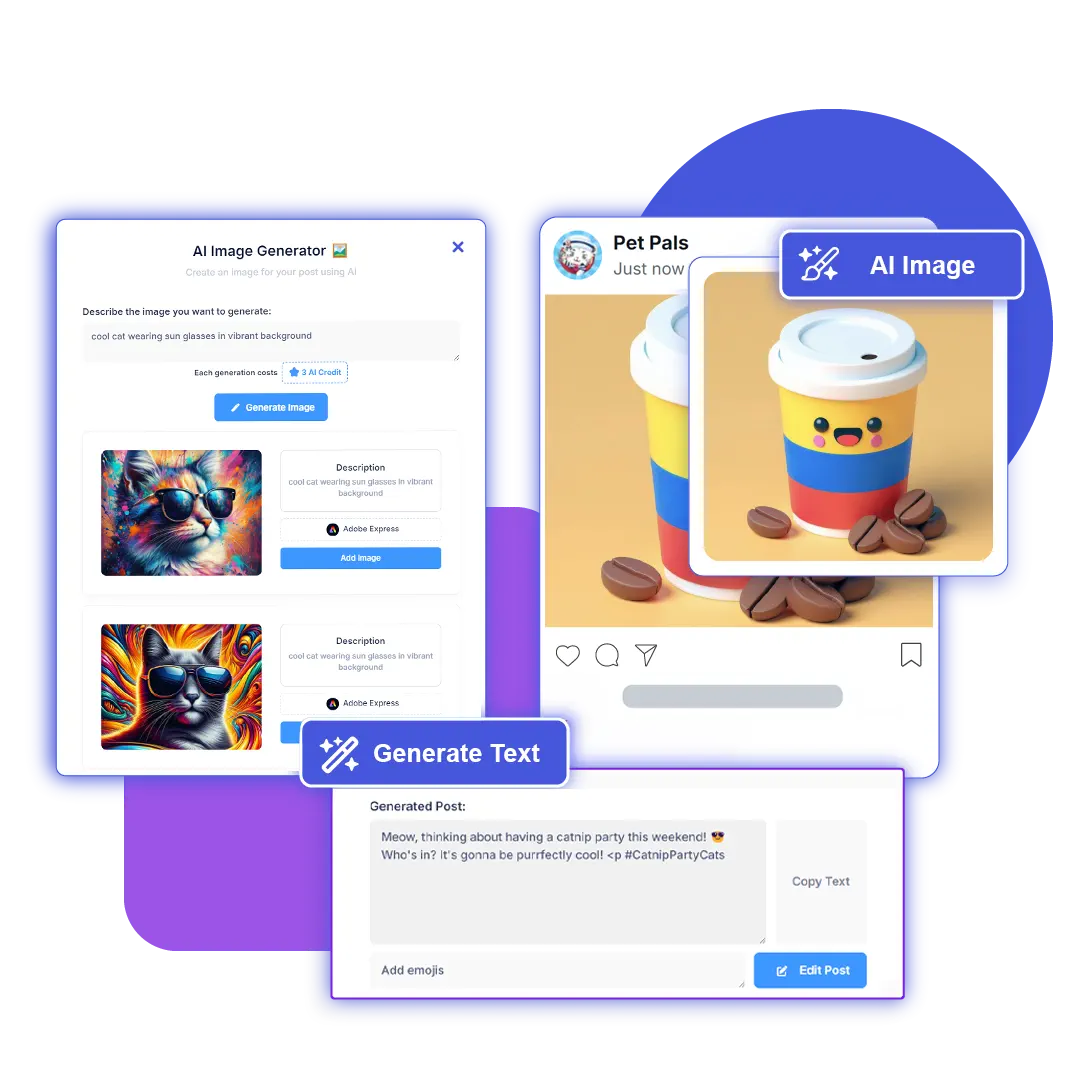




In your brand's AI settings, add rules such as tone, words to avoid, emoji use or a sign-off, and tag them for posts. Every draft follows them.
Open Generate with AI in the composer, say what the post is about and move the slider to the length you want.
Ask for changes like "shorter", "add three hashtags" or "end with a question". Your instruction wins where it conflicts with a brand rule.
Apply the draft to the composer, add media, adjust per network if needed, then publish now or schedule it.
The more specific the brief, the less editing you do afterwards. Say what the post is about, who it's for and what you want people to do next.
The same composer has a Nano Banana image generator, an embedded Adobe Express editor for touch-ups, and an AI Video button that opens Seedance 2.0. Whatever you generate drops straight into the post.
When a network needs its own version, switch on per-platform editing and adjust the caption on that tab: a longer take for LinkedIn, a tighter one for X.
Each generation or edit uses 1 AI credit, the same credit that pays for AI replies. Monthly credits renew with your plan, and credit packs from $5 top you up when you need more.
Yes. Each draft is written for your brand by name and follows the brand rules you tagged for posts, such as tone, banned words or a standard sign-off. You set those rules once in the brand's AI configuration.
One AI credit per generation and one per edit. Free includes 30 credits a month, Advanced 1,300 and Elite 2,400. Credit packs start at $5 if you run out.
Yes. The generator writes the post text, and the composer lets you keep one caption for every network or edit a separate version per account, for example a longer LinkedIn post and a trimmed version for X.
A slider sets the target length from about 10 to about 350 words, and the generator is told to finish within it without stopping mid-sentence.
Yes. The free Instagram caption, LinkedIn post, tweet and post ideas generators on our tools page need no sign-up. The in-app generator adds your brand rules, editing and scheduling.
Set your brand rules once and every draft starts on-brand. The Free plan includes 30 AI credits a month.