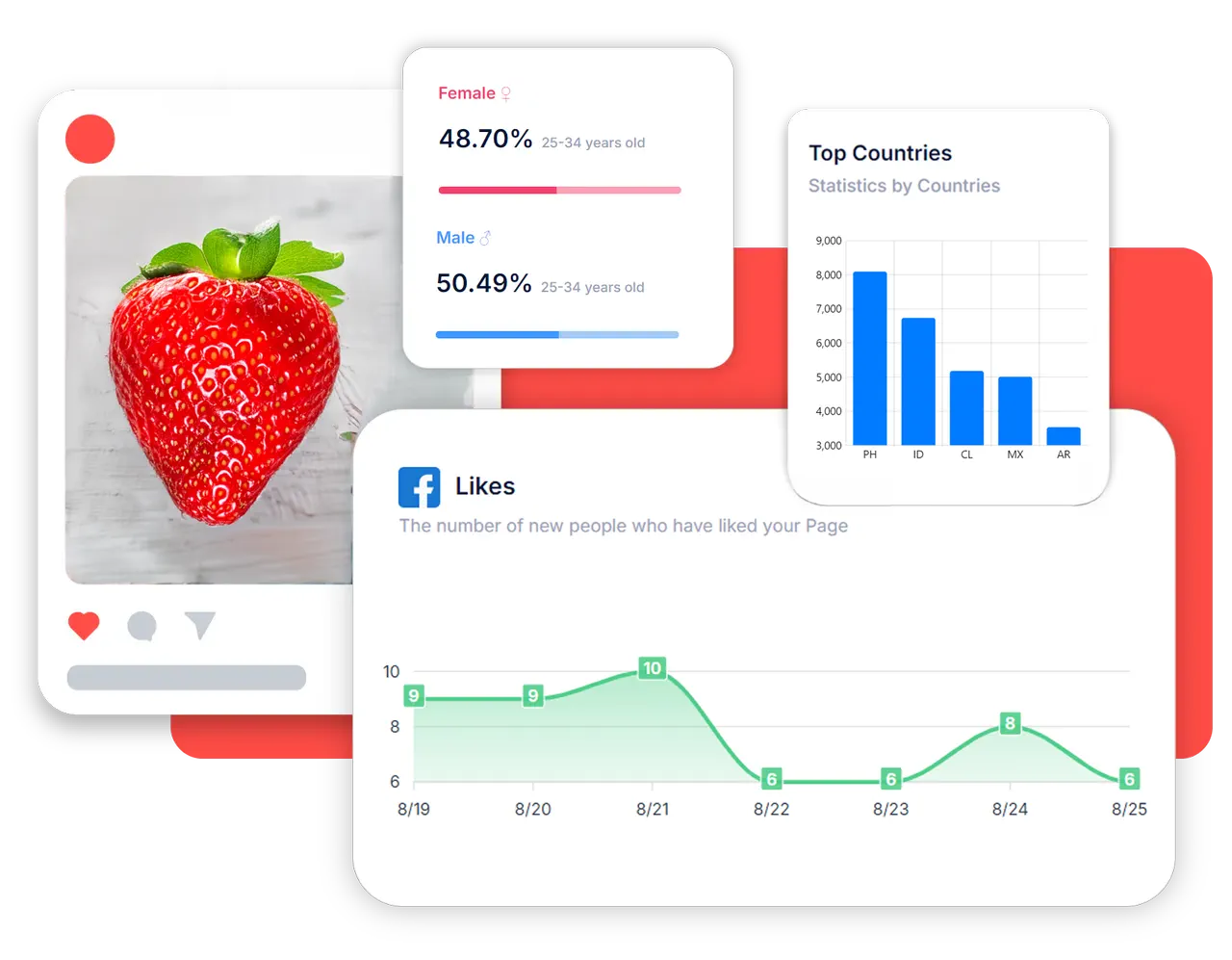




OutReply's social media analytics put followers, comments, engagement and posting for all your connected accounts on one timeline, next to how your audience feels and which posts started the most conversation.
Once a week an AI briefing sums up what changed and what to try next, so the numbers turn into decisions.
Follower counts for every connected account, added up for the brand and broken down by platform, so growth on one network doesn't hide a slide on another.
A daily snapshot of followers, engagement, engagement rate, comments and posts published, viewed over 30 days, 90 days or a year, with follower growth by platform and the posts that drew the most comments.
Who comments, how their mood is trending, the terms they use most and when they are active. See audience intelligence and sentiment analysis.
Competitor followers, growth, posting cadence and Google Trends search interest, covered in competitor tracking.
The timeline lines up how often you posted with the comments and engagement that followed, so you can see whether a busier week actually moved anything. Next to it, a sentiment trend shows whether the conversation under your posts is getting warmer or cooler, and a topic view lists what your audience talked about in the same period. Pick any metric (followers, engagement, engagement rate, comments or posts) to chart it on its own.
Once a week, OutReply turns the numbers into a short read: where you stand, what changed and what to do next. The AI only sees figures OutReply has already calculated, so it summarises rather than invents. On paid plans, a daily check also flags a sharp drop in followers, or a tracked competitor passing you, as an in-app notification that isn't repeated within the week.
| Report | Free | Advanced | Elite |
|---|---|---|---|
| Follower counts per account | Yes | Yes | Yes |
| Audience mood split | Yes | Yes | Yes |
| Performance timeline and top posts | No | Yes | Yes |
| Audience topics and activity | No | Yes | Yes |
| Weekly AI briefing | No | Yes | Yes |
| Competitor benchmark and Google Trends | No | No | Yes |
Follower counts are tracked for every connected account, and posting activity for everything you publish through OutReply. Engagement, mood, audience and top posts are built from comments on Facebook, Instagram, YouTube and X.
The performance timeline adds one snapshot per day, and comment sentiment is scored every ten minutes. The AI briefing is refreshed once a week.
The comments on your posts plus the likes those comments receive, counted from the comments OutReply collects. Engagement rate divides that by reach, or by followers when there is no reach figure.
Free includes follower counts for your connected accounts and your audience's mood split. The timeline, top posts, audience insights and the weekly AI briefing start on Advanced; competitor benchmarks are part of Elite.
Connect your accounts on the Free plan and your insights start filling in right away.